
Accounting and bookkeeping firms
- Documents
- Client supplier invoices and receipts, every month
- What you get
- Fields ready to check and post, instead of retyped
Scriblane reads your invoices and documents, pulls out every field with how sure it is, checks the sums and sends anything unclear to a person. It runs on our own server: your documents are never sent to an outside AI company.
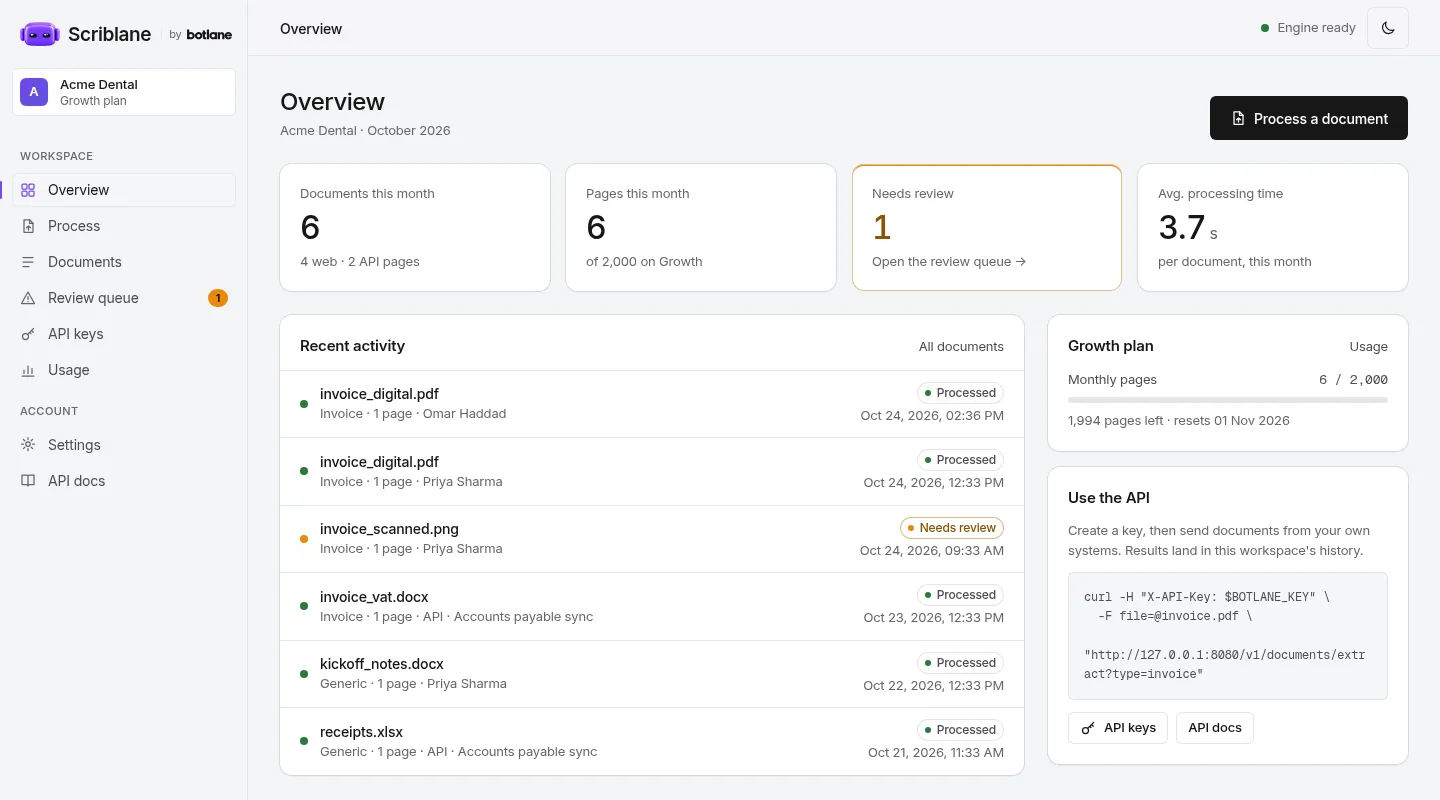
PDFs, scans, phone photos, Word and Excel files. Drop them in on the web, or send them straight from your software through the API.
Each page is read by open-source document models running on Botlane's server. Nothing is sent to an outside AI company.
Invoice number, dates, supplier, line items and totals, each with a confidence score and the spot on the page it came from.
Every line, the subtotal, tax and total are added up. Anything missing, unreadable or that doesn't add up is flagged, with the reason.
Flagged documents wait in the review queue. Priya checks the reason against the original and marks it reviewed.
Every result stays in your history. Download it as JSON or Markdown, or let your own system collect it through the API.
From any other document it pulls the key details and tables, like a delivery note's order number, dates and items.
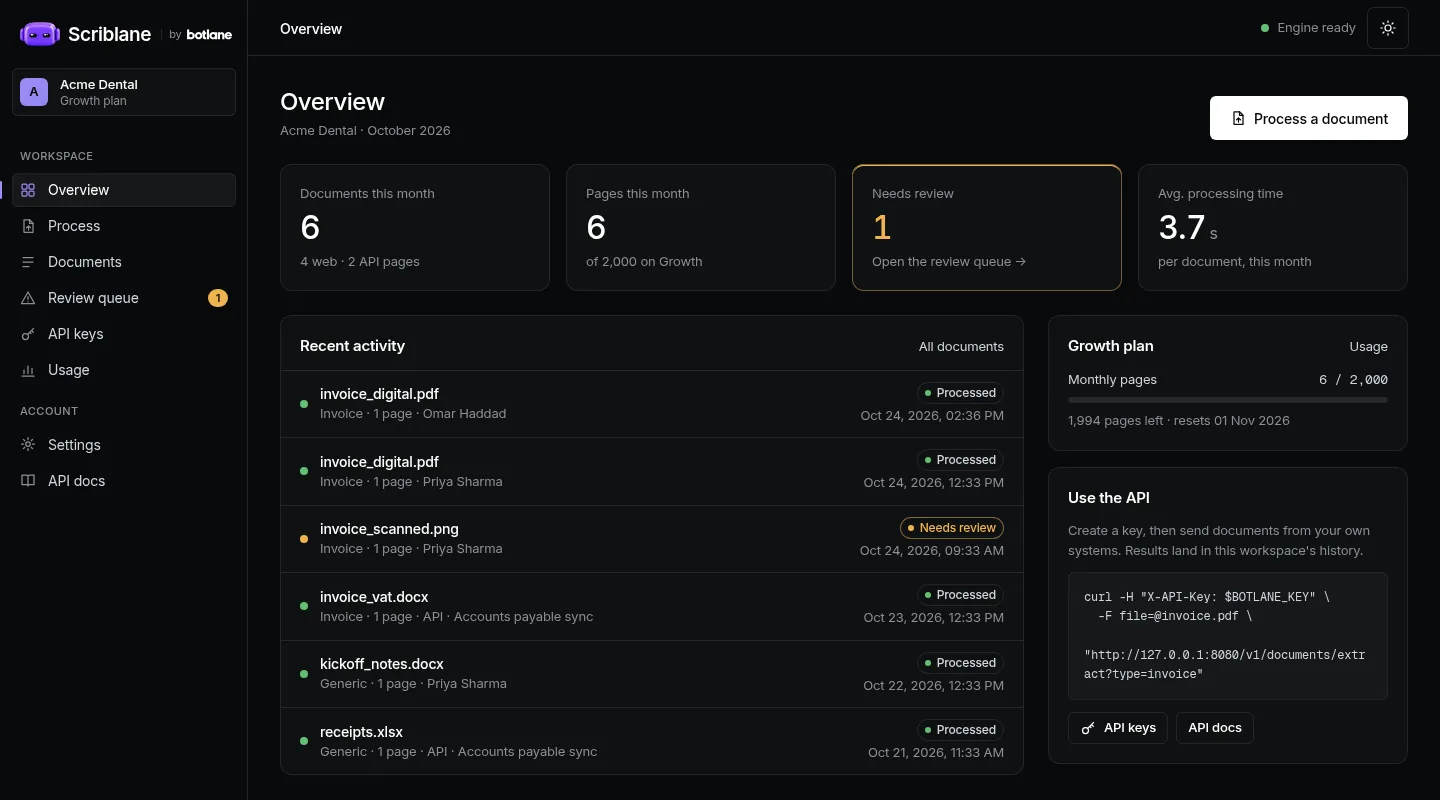
Documents and pages used against your plan, and what's waiting for review, on one screen.
Most AI document tools send every page to a large AI company to be read. Scriblane doesn't.
Documents are read by open-source software we run ourselves. They aren't sent to OpenAI, Google or any other AI company, and never used to train a model.
Each business has a walled-off workspace with its own logins and API keys. Nobody else can see your documents or results.
Delete any document whenever you like. When you leave, we delete the workspace and everything in it.
These are real screens from Scriblane, with a sample business.
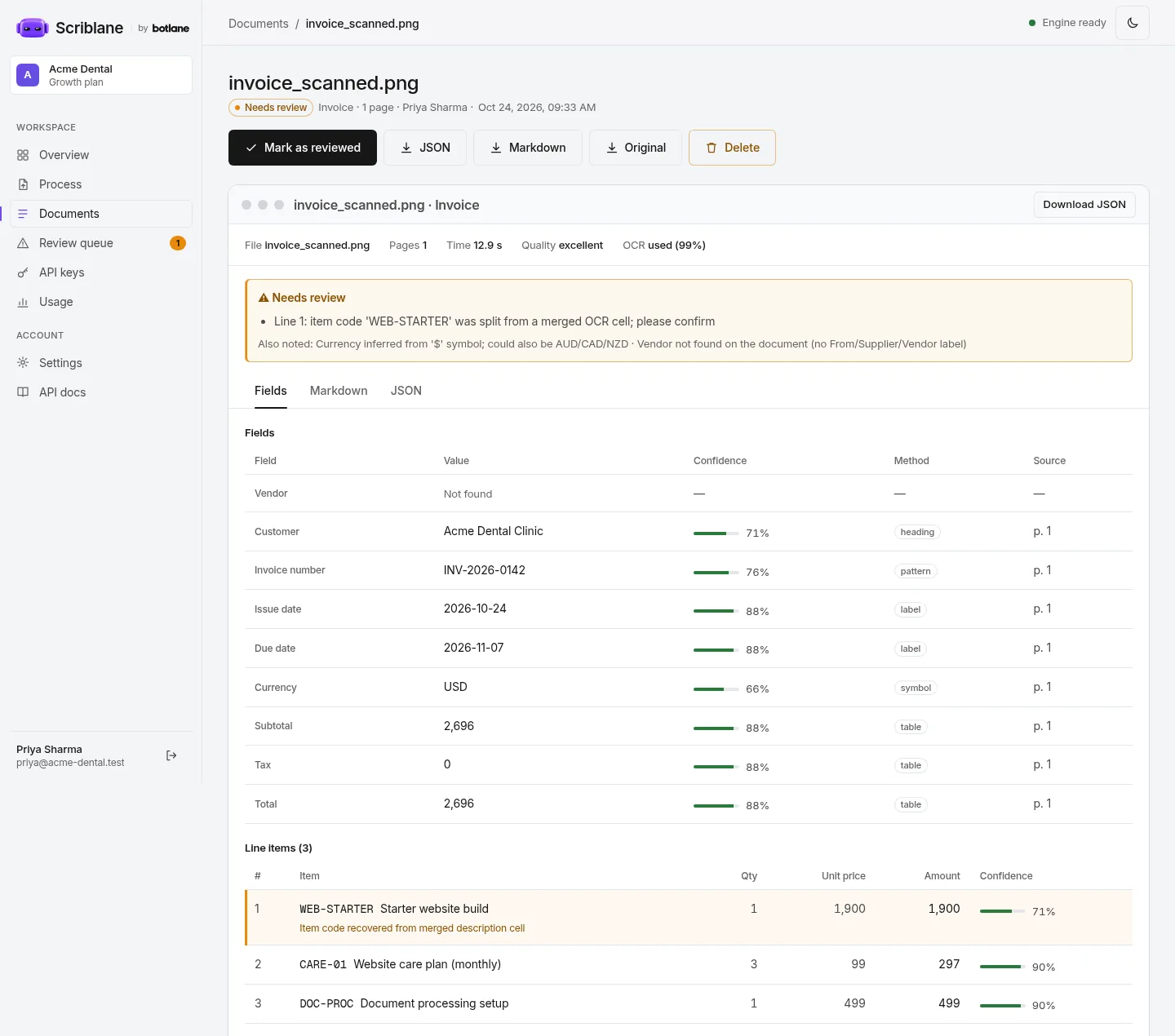
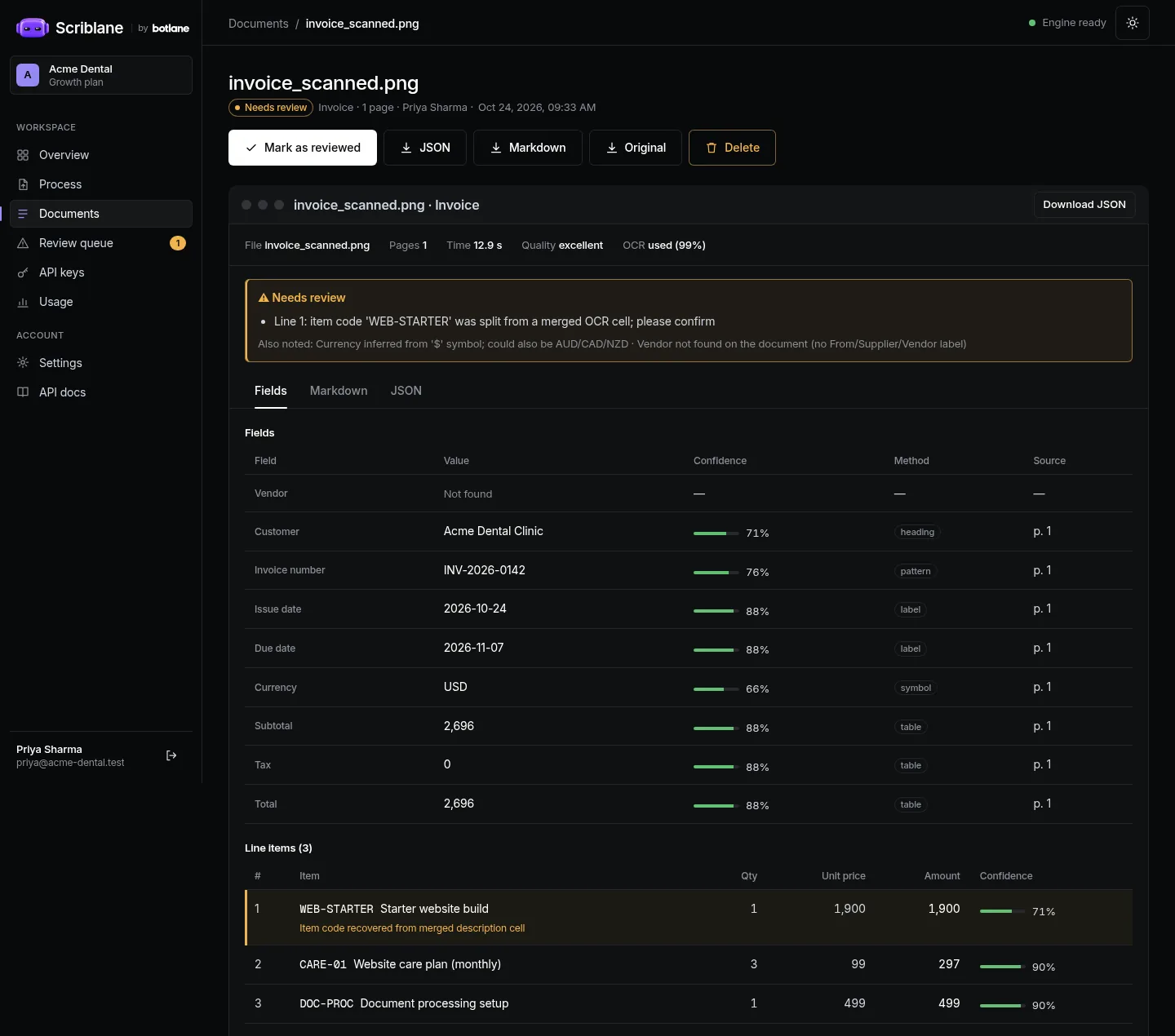
One invoice. Each field with its confidence and where it was found, the line items, and the checks: every line, the subtotal and the total added up. The reason it needs a look is at the top.
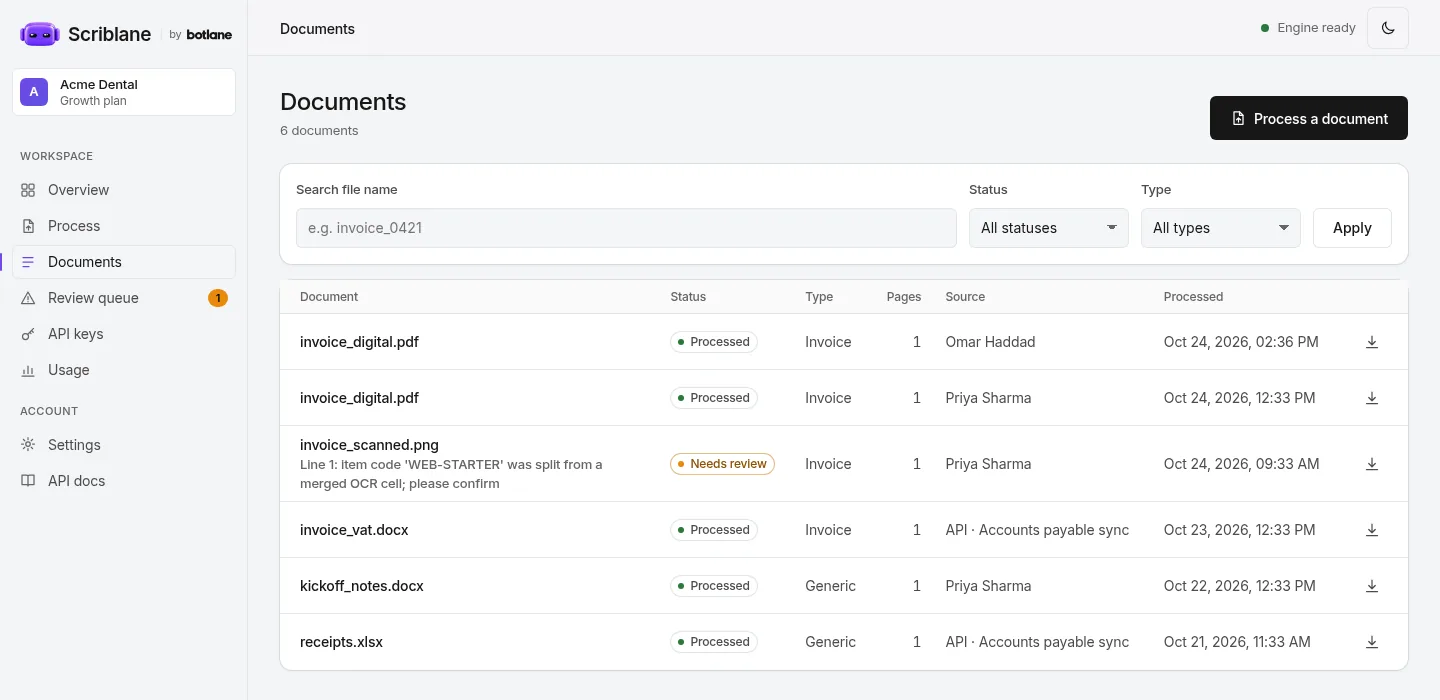
Everything processed. Uploaded by your team or sent in by your own system over the API, searchable, and downloadable as JSON, Markdown or the original.
If someone on your team types invoice details into another system every week, this is for you.
You see it read your own invoices before you pay for a month.
Pick the pages you need a month. A PDF page is a page; a photo or Word file counts as one. When you hit the limit it pauses until the month resets or you move up. Nothing is ever billed extra on its own.
For a team with a steady trickle of invoices and receipts.
For a busy accounts team, or documents sent in from your own system.
Already have an account? Sign in to Scriblane →
Pages. Starter covers 500 pages a month and Growth 2,000. A PDF page, a slide or a spreadsheet tab counts as a page; a photo or a Word file counts as one. At the limit it pauses until the month resets, or you move up. It never bills extra on its own.
PDFs (typed or scanned), photos (JPG, PNG, TIFF), Word, Excel, PowerPoint, HTML and CSV, up to 25 MB each. Invoices are read field by field: supplier, customer, invoice number, dates, currency, line items, subtotal, tax and total. Anything else (delivery notes, statements, letters) comes back as clean, searchable text with its tables kept. Handwriting and very poor photos are hard; we test your samples first and tell you honestly.
It doesn't guess. Every field shows how sure it is, the sums are checked, and anything missing, unclear or that doesn't add up goes to the review queue with the reason. A person on your team checks it against the original and marks it reviewed.
Into your Scriblane workspace, where you can search them and download each one as JSON, Markdown or the original file. Your own system can send documents and collect results over the API with a key. A connection straight into Google Sheets, Tally, QuickBooks or another tool isn't included; we quote it separately if you need it.
Only your team. Documents are read on our own server, by open-source software we run ourselves, and never sent to an outside AI company or used to train anyone's model. Each business has its own walled-off workspace, and you can delete any document at any time.
Yes. We set your workspace to month first or day first. When a date could be read either way (03/04/2026), it follows your setting and adds a note so a person can double-check it. Dates with the month written out are always read correctly.
A few seconds for a typed PDF or Word file. A scanned page or photo takes longer, about 10 to 15 seconds, because the text has to be read off the image first.
Yes, with 30 days' notice. Download anything you want to keep first; we then delete your workspace and its documents.
Tell us roughly how many pages a month, and send a few real samples. We reply within one working day with what Scriblane read from them.